Dronelink for Business
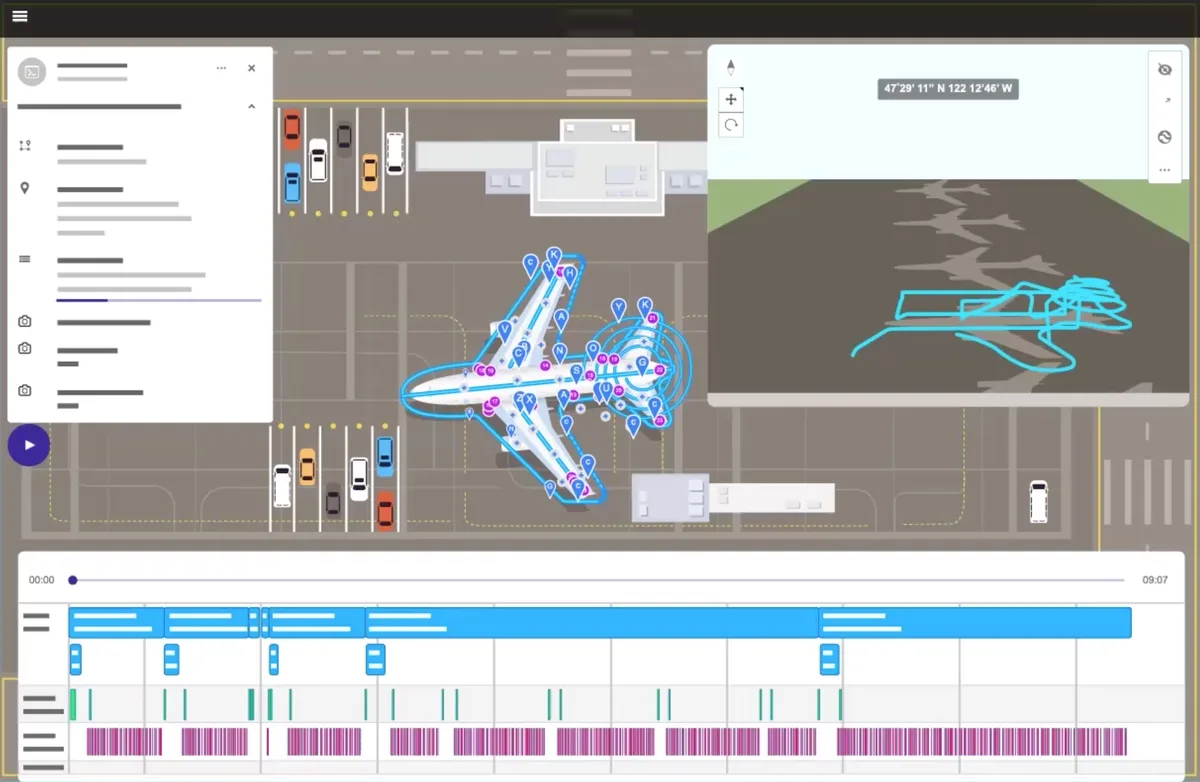
Tools to scale your drone program and deliver quality autonomous data capture across all use cases. Automate inspection missions, streamline quality data capture, scale drone operations with all the tools you need for success
Building Digital Twins
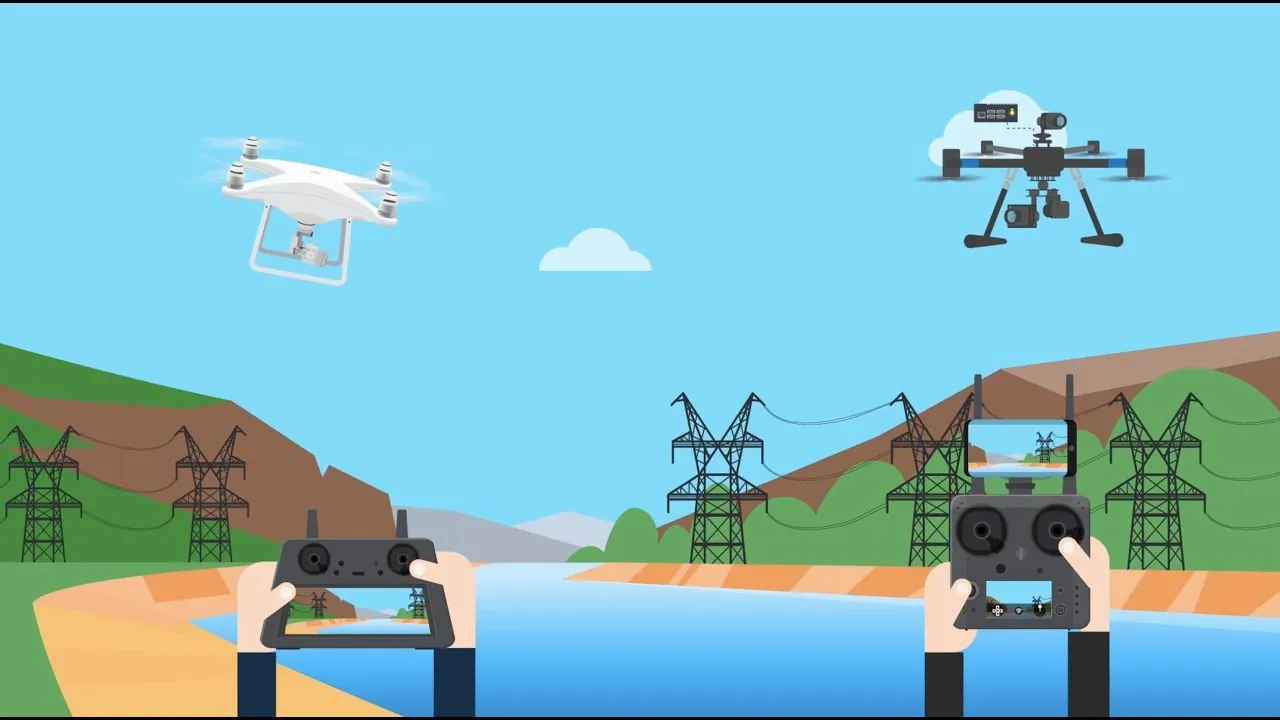
Inspect building facades of any shape and size using the Facade Mission Type
Explore Business Features
Terrain Follow
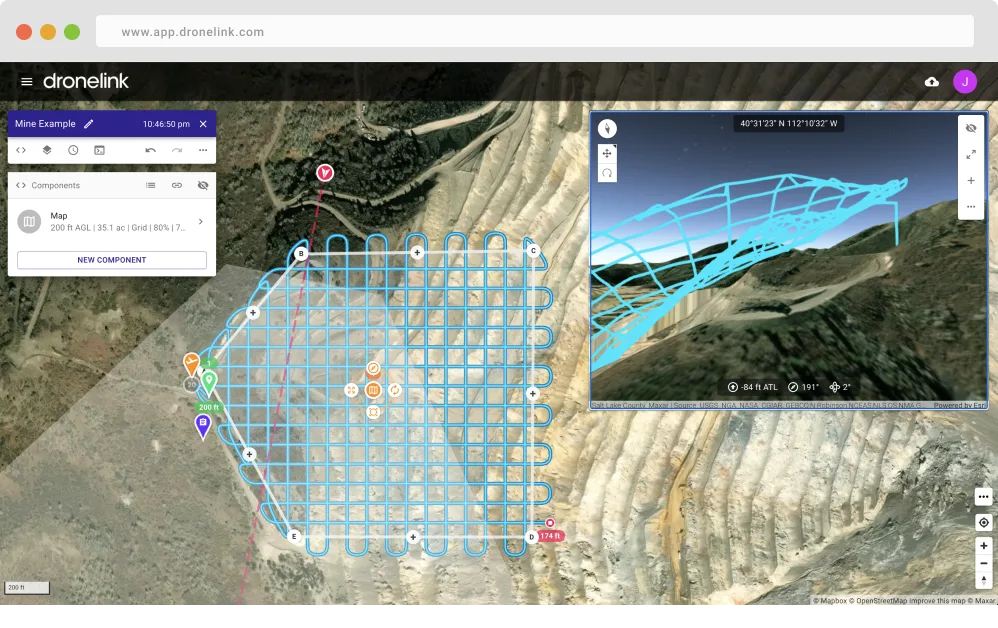
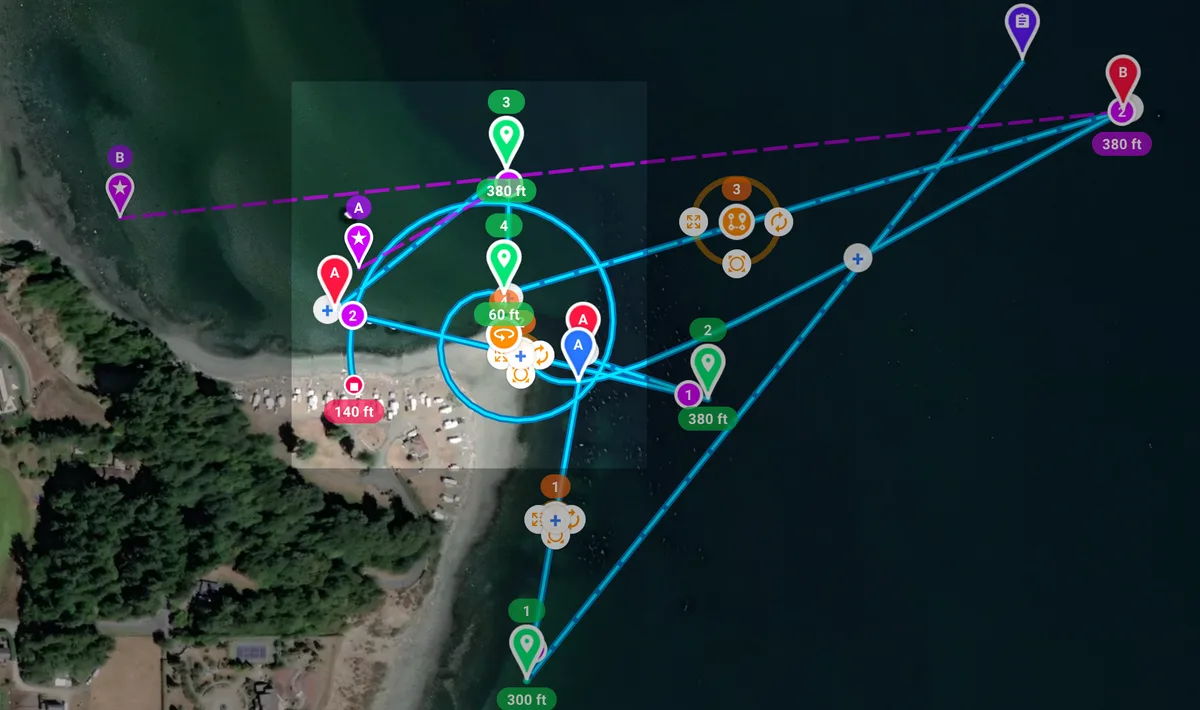
Fly a set distance above ground level to achieve a constant sample distance for mapping missions.
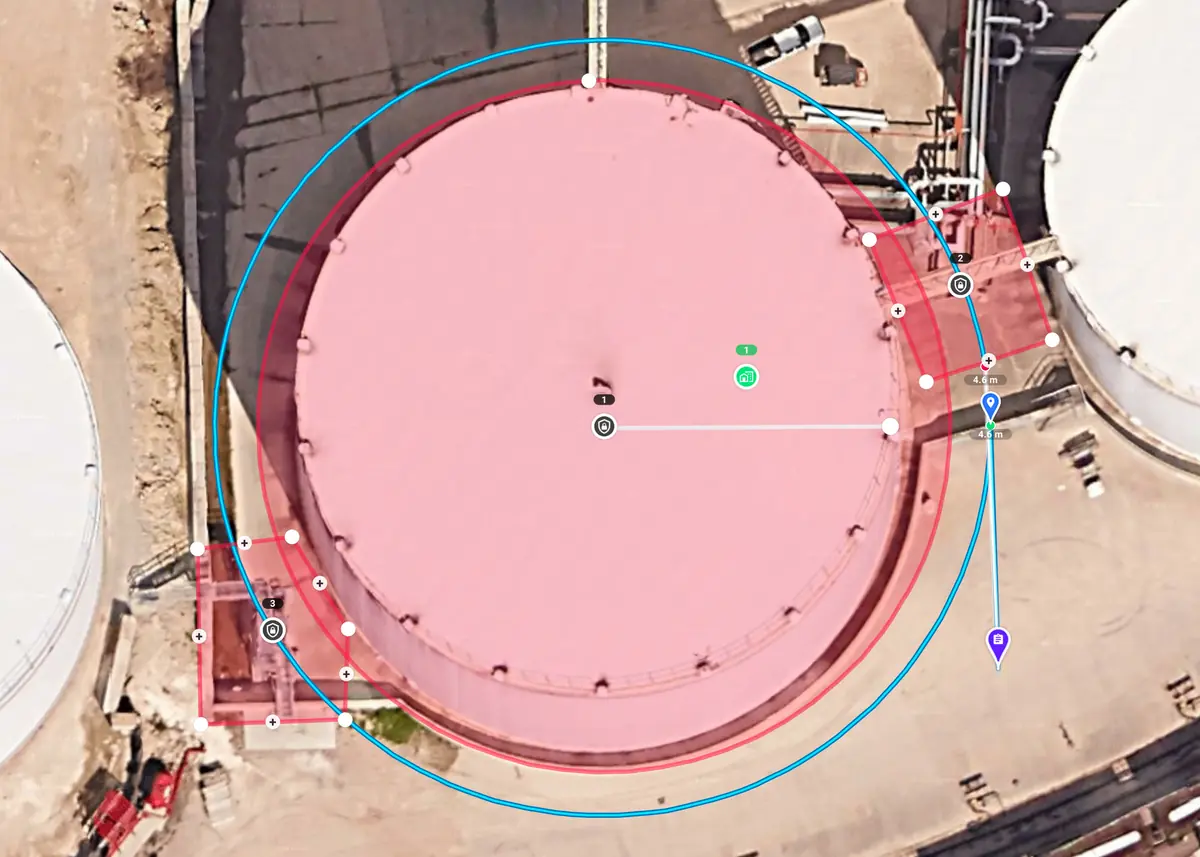
Vertical Mapping and Inspections
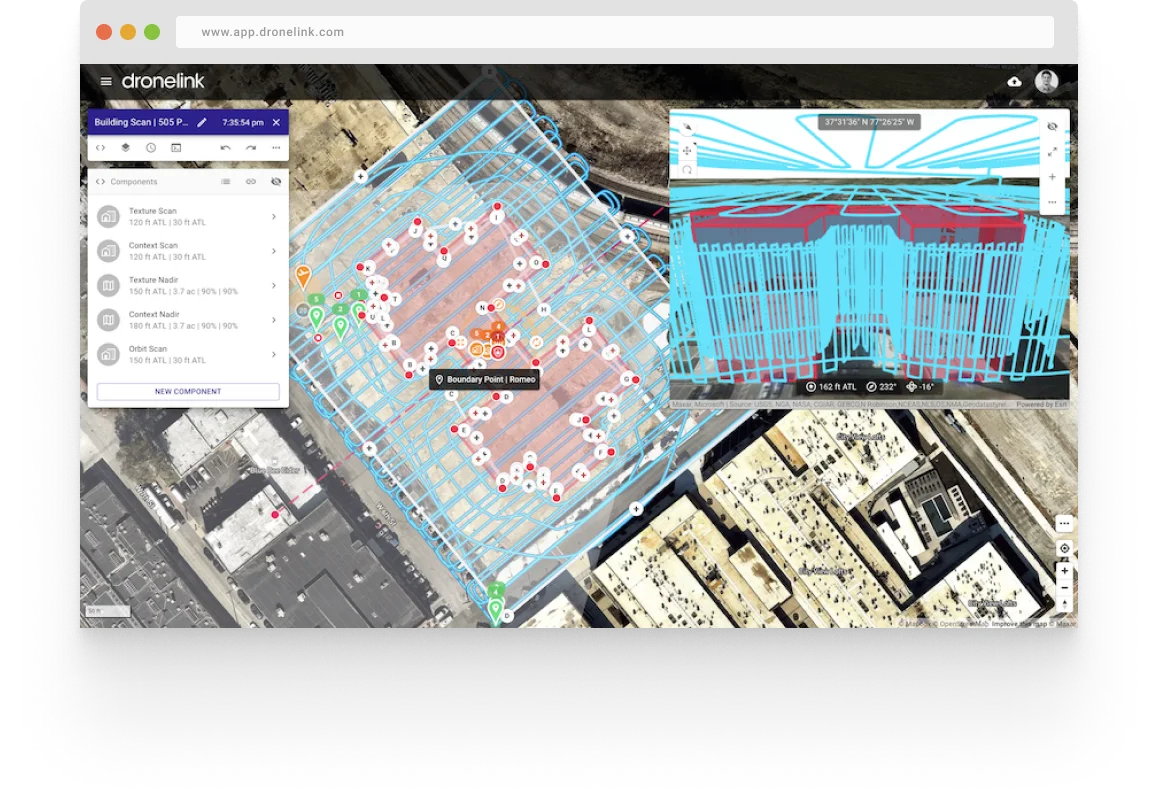
Vertical columns, spirals, stacked paths or orbits for 3D modeling and inspections. Configure overlaps, sample distance, gimbal pitch, stop to take photos and more.
3D Mission Preview
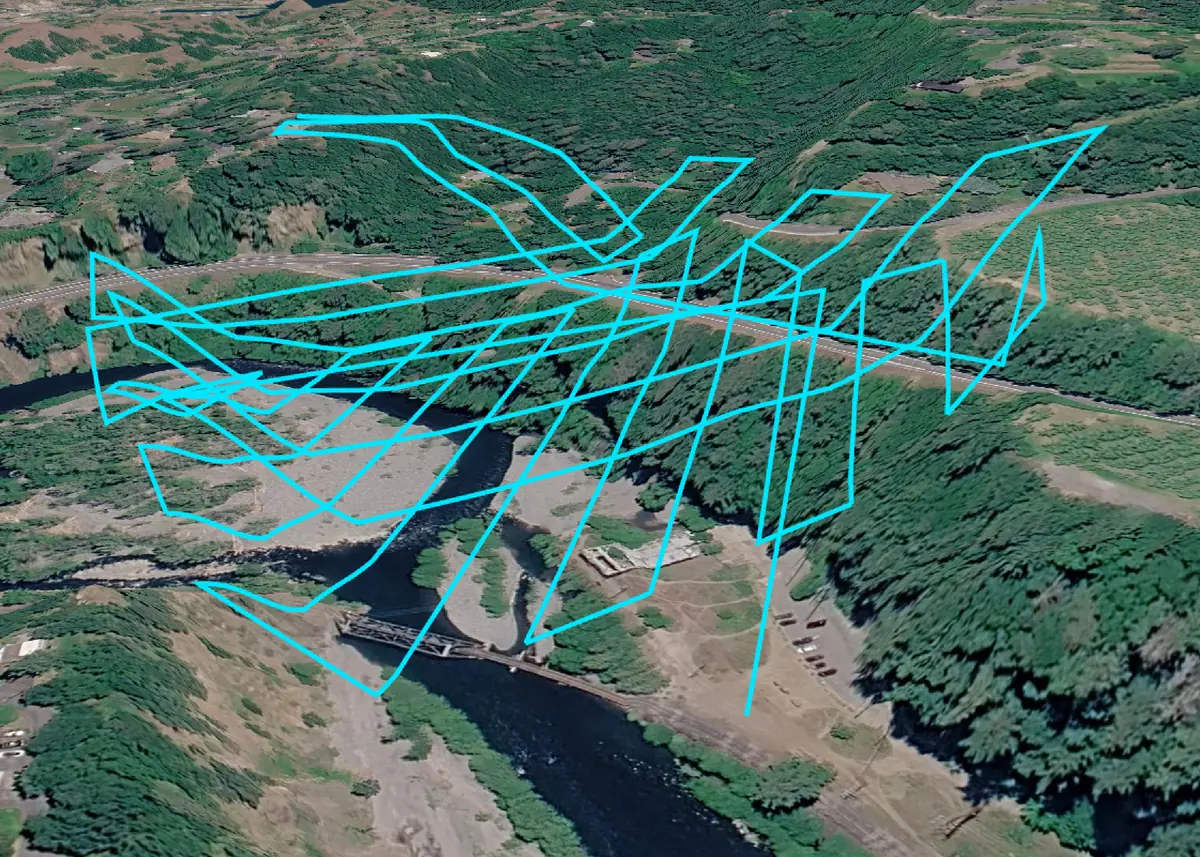
Preview your missions in 3D with a simulated drone and know what to expect before autonomous flight.
Functions
Use existing or create your own reusable mission plan components that you can quickly drop into new plans.
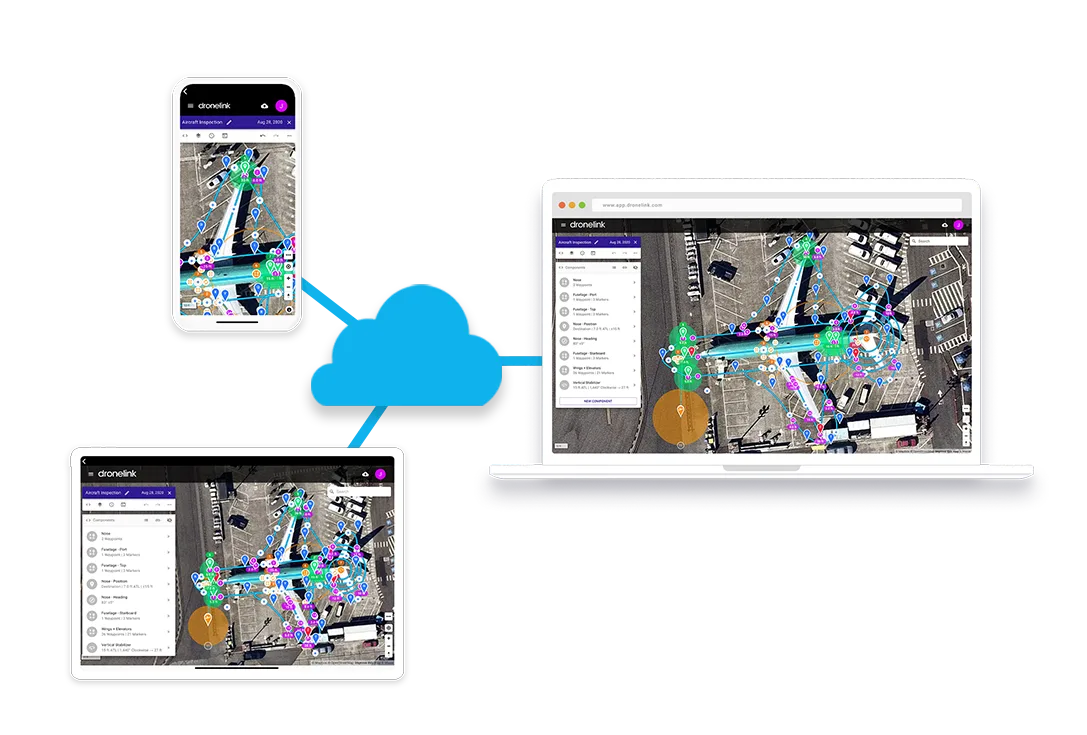
Cloud Sync
Mission plans are updated real-time across all devices. Edit on a computer, tablet, or phone.
Prototype with Low-Code
Results before compiling a single line of native code
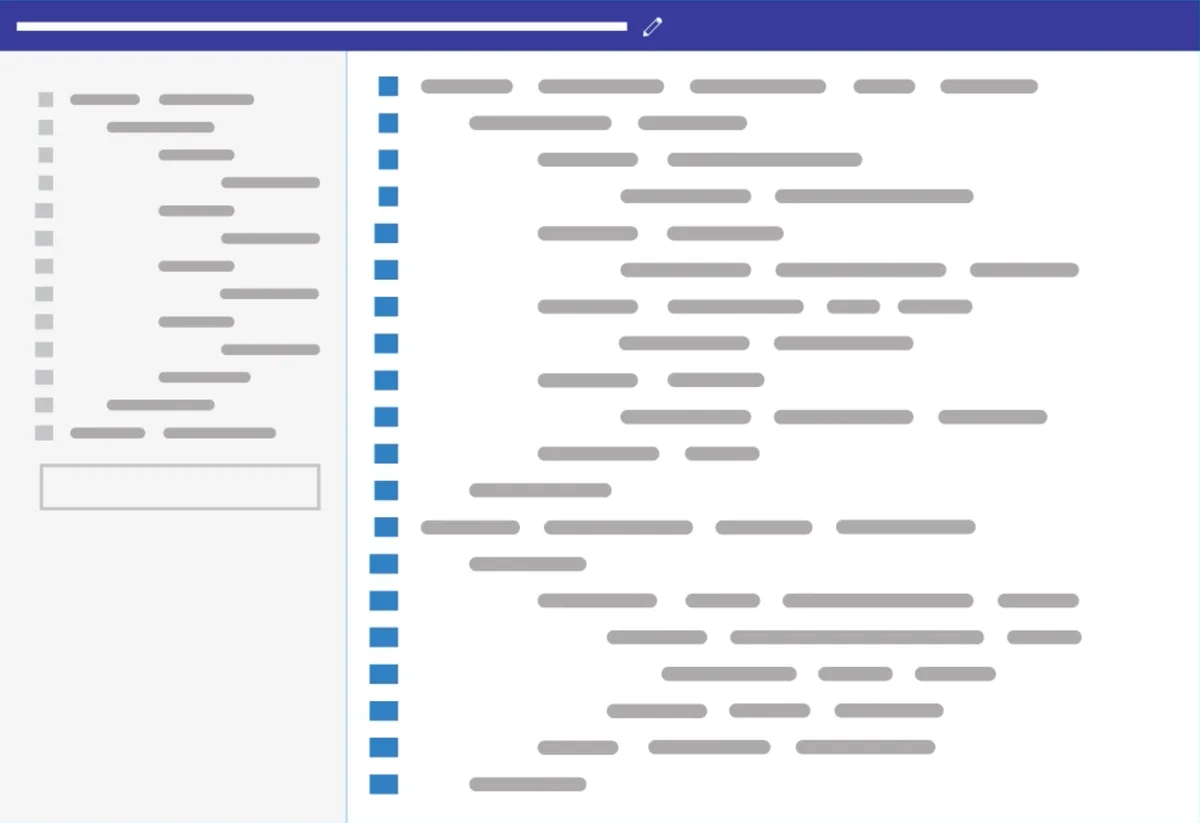
Dronelink’s industry-first function architecture brings drone programming to the modern web with javascript syntax. Test code changes instantly with the mission previewer, and sync changes to the Dronelink native app without ever having to write native code.
Accelerate Development Velocity
Faster than real-time debugging
Creating a well-tested solution is costly and time consuming. Dronelink generates high-fidelity mission previews in seconds, compressing your development cycle from months to days.