
Drone Flight Control
Fully automated missions, semi-automated workflows, and manual flight tools
Explore What's Possible
Mapping
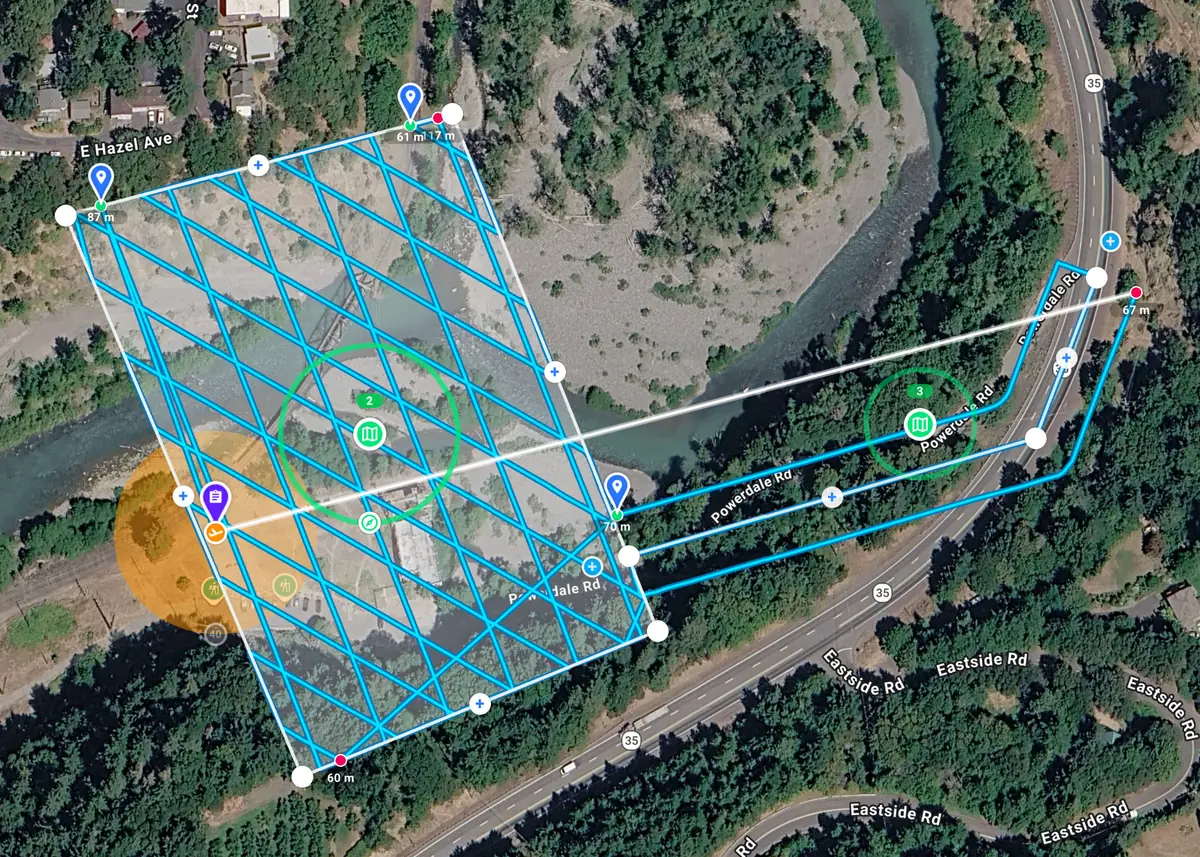
Customize and combine Grid, Crosshatch, or Linear Maps, easily enable terrain follow, set oblique angles, overlaps, and crabwalk.
Waypoints
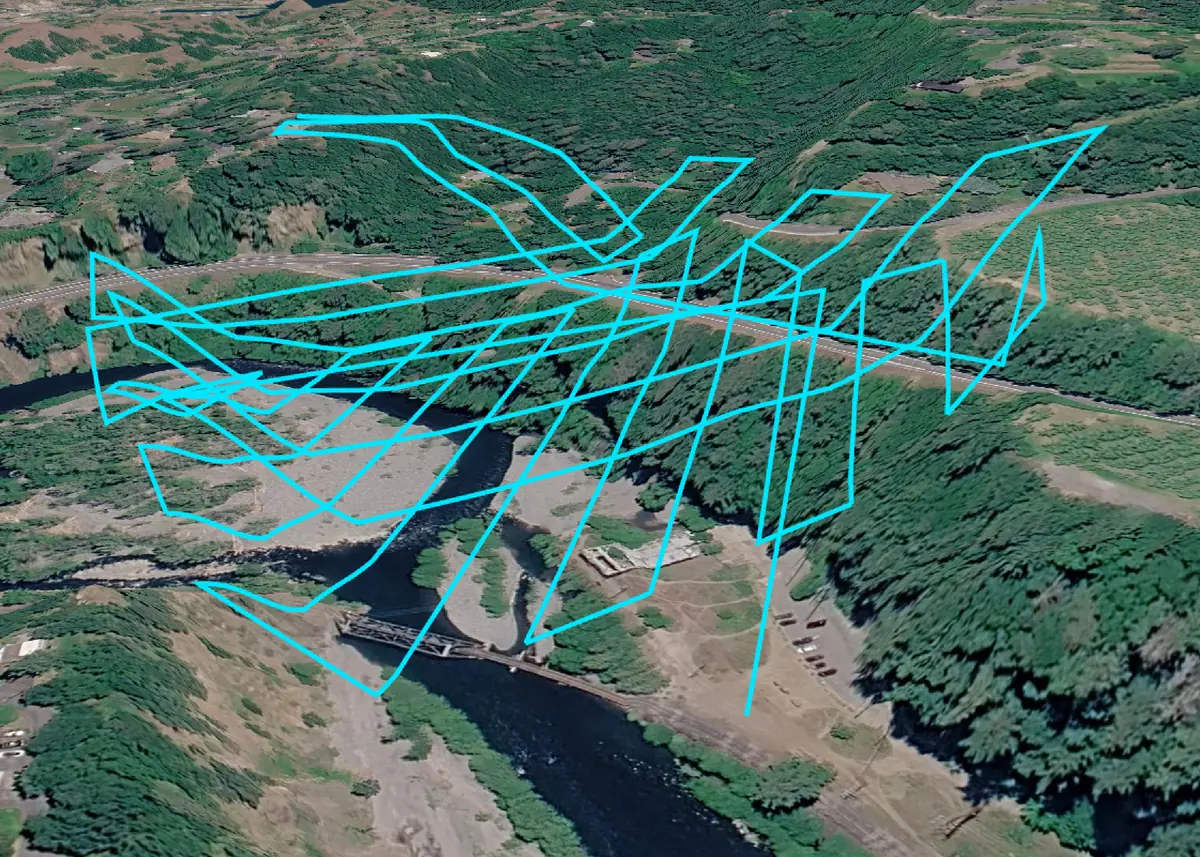
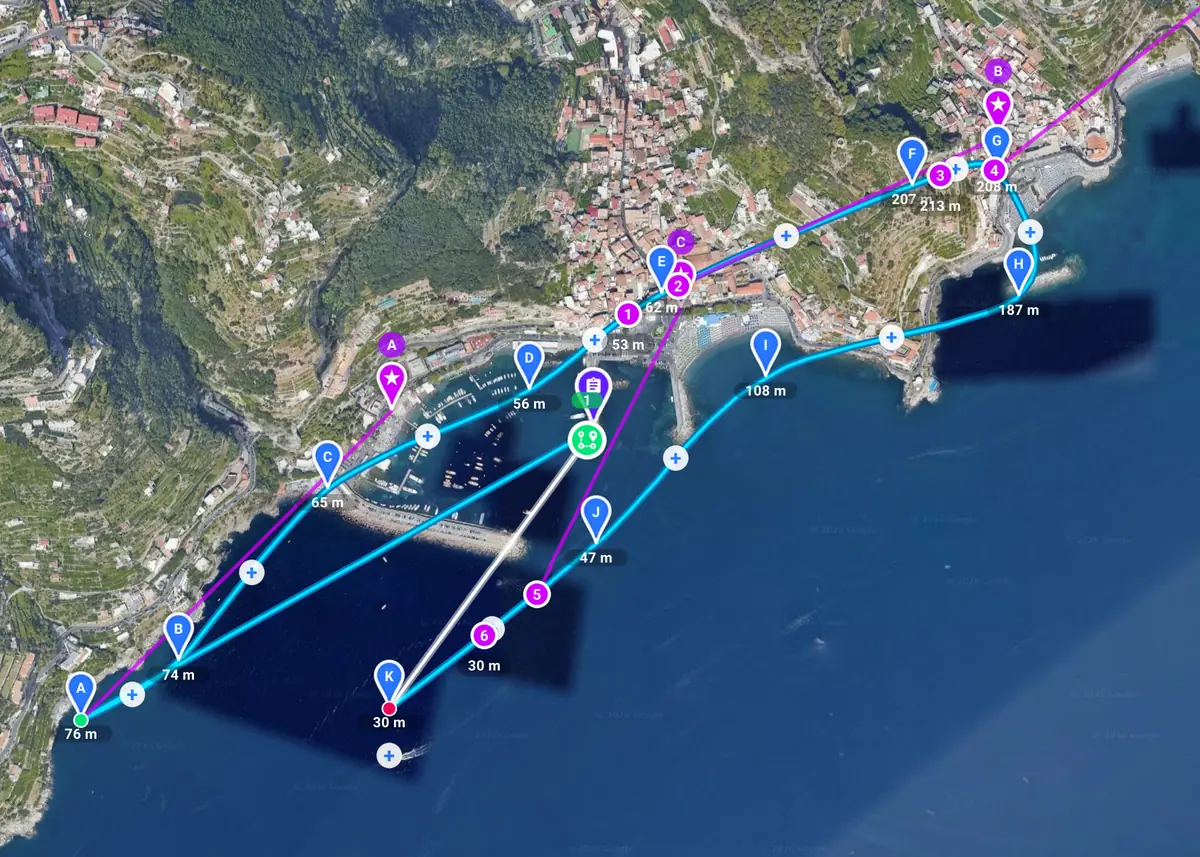
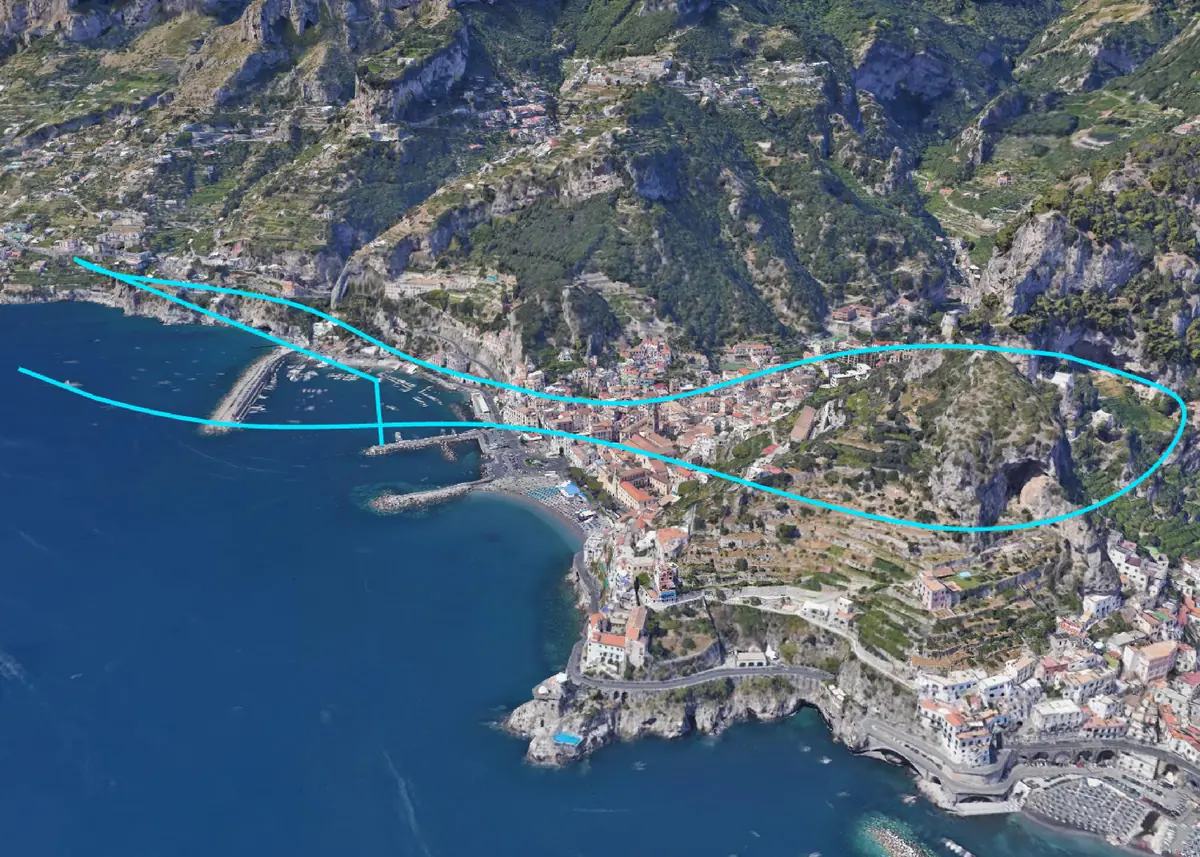
Capture videos / photos and perform waypoint actions anywhere on the path. Focus on a point of interest and even enable terrain follow.
Orbits
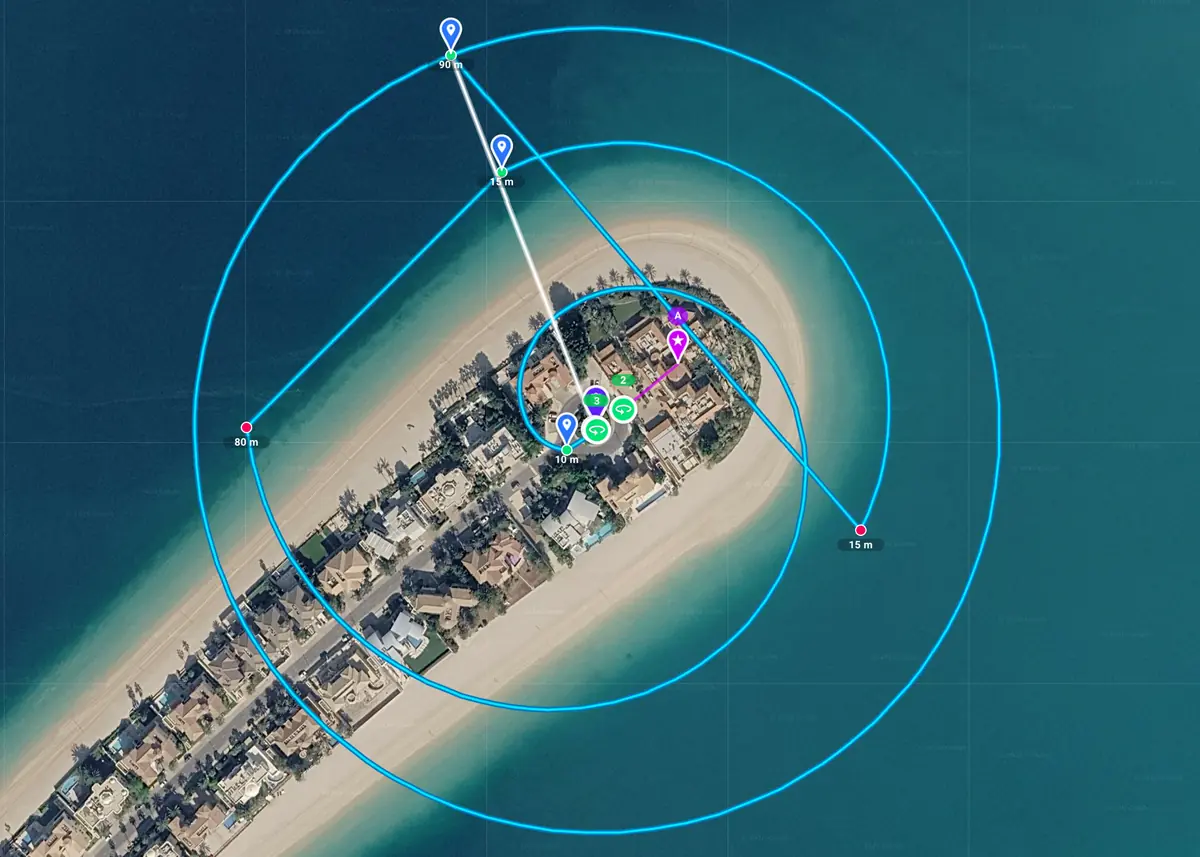
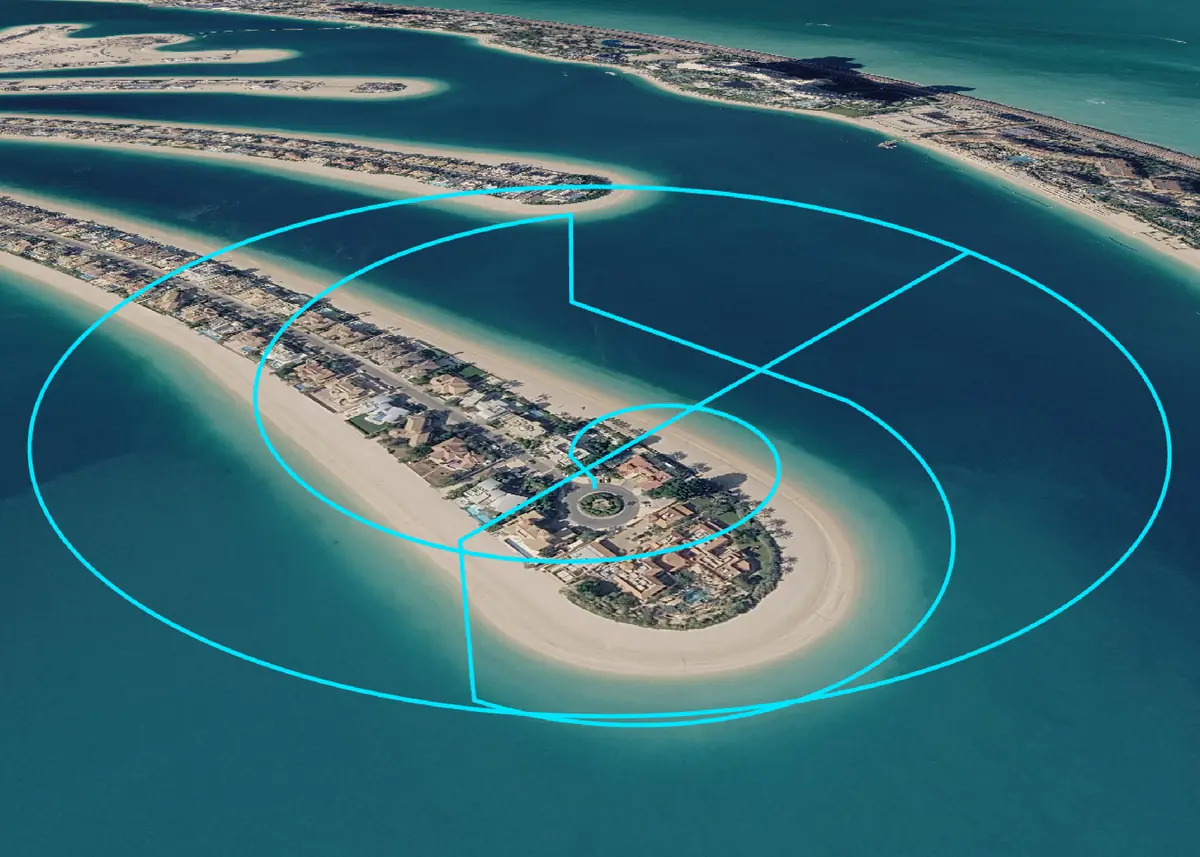
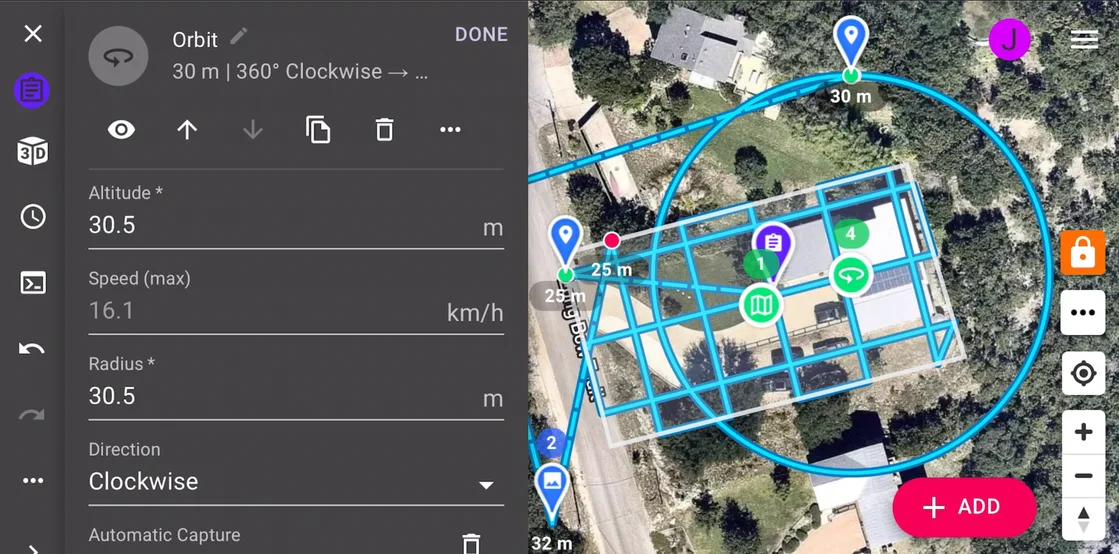
Capture videos / photos around a point of interest. Fly in circles, spirals, or arcs and make changes on-the-fly with the remote controller.
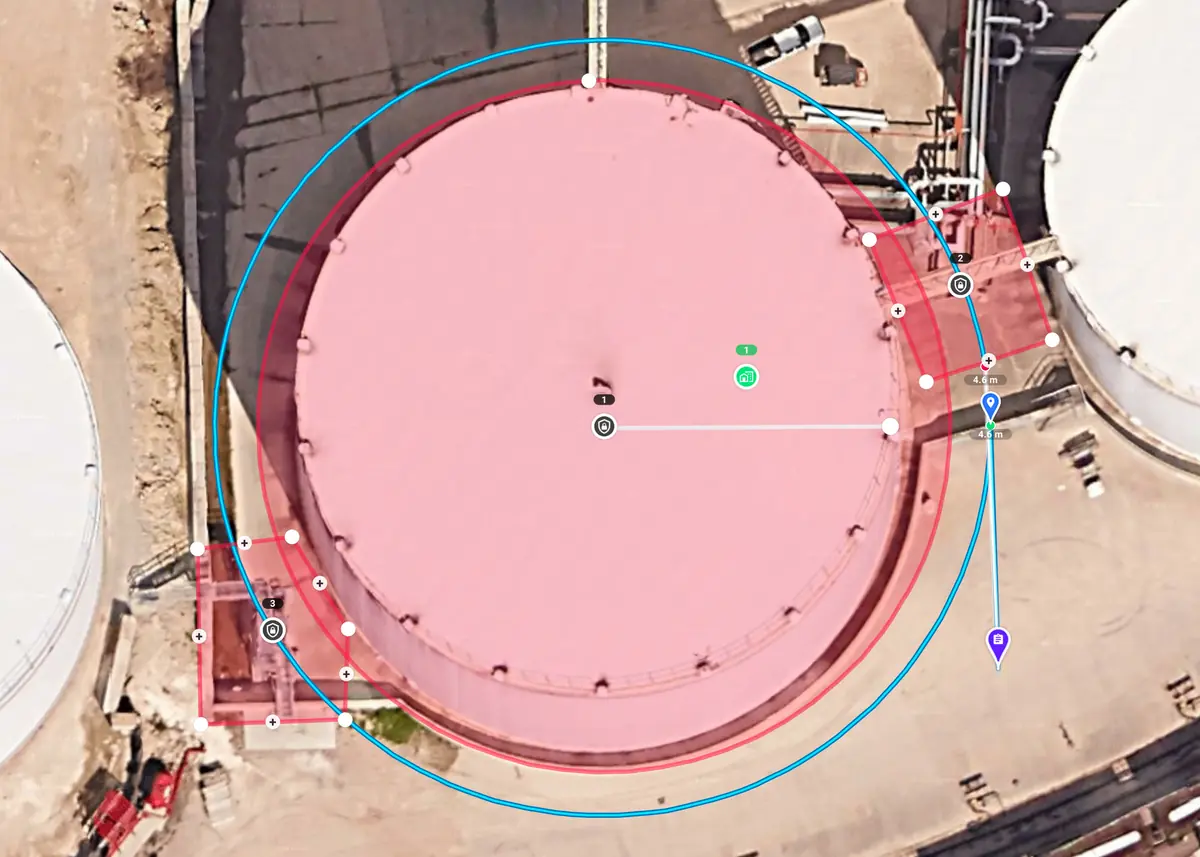
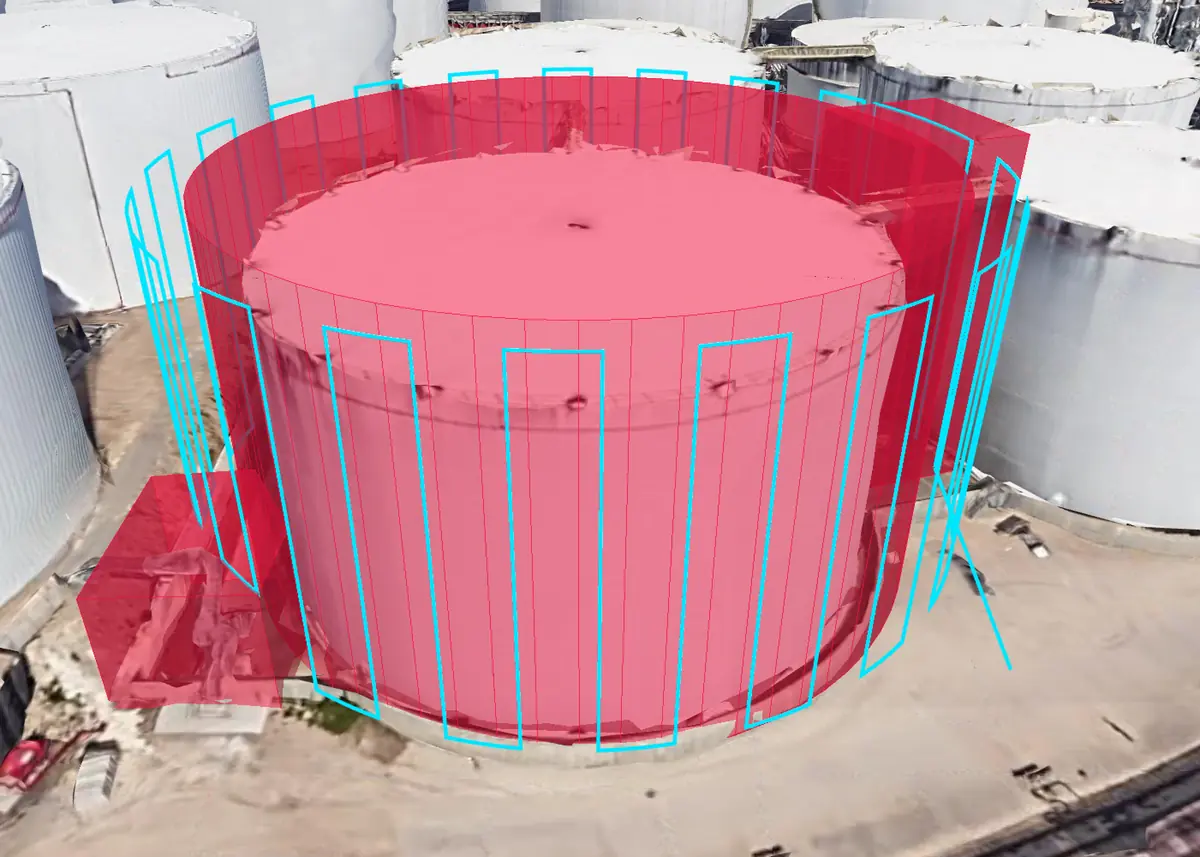
Vertical Mapping and Inspections
Vertical columns, spirals, stacked paths or orbits for 3D modeling and inspections. Configure overlaps, sample distance, gimbal pitch, stop to take photos and more.
Cross Platform
Supported Drones and Devices
Use on Web, iOS, Android, and Remote Controllers with screens for DJI and Autel drones. One account for all devices and drones.



Unlimited Possibilities
Automate Data Capture for Any Use Case and Industry
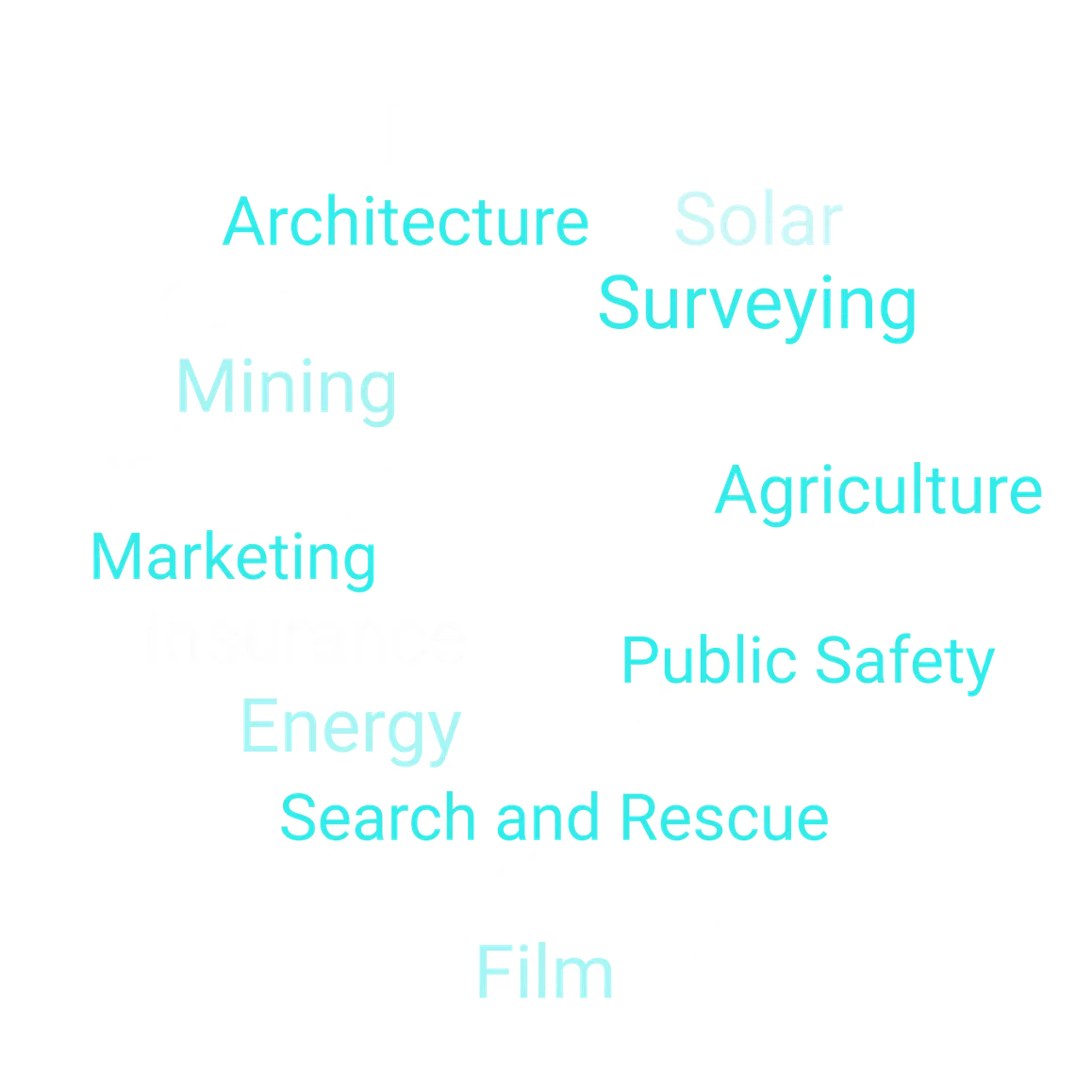
Capture data to create orthomosaics, point clouds, 3D models, and for inspections, site documentation, and videography. Perfect for flights in construction, energy, telecom, mining, property management, insurance, agriculture, film, public safety, education, and more.
Limitless Customization
Link Missions Together and Automate Everything
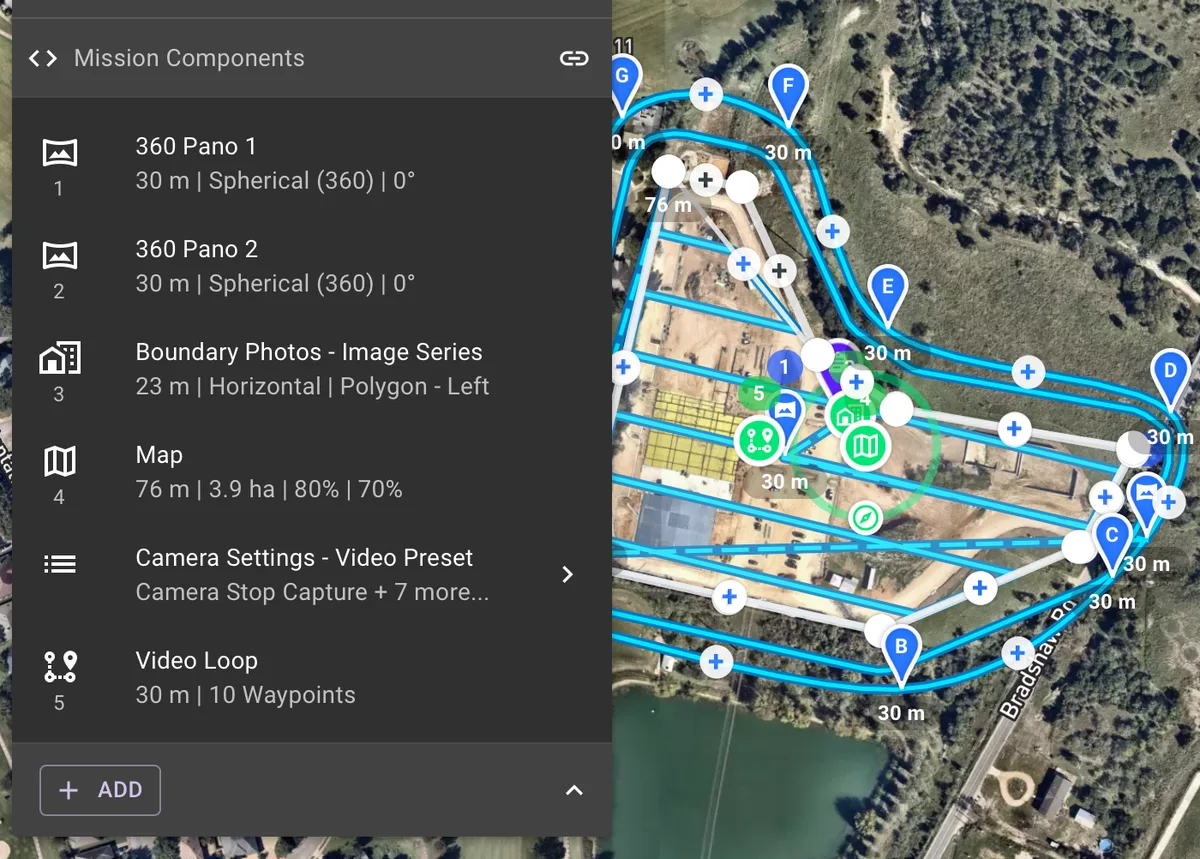
Combine multiple mission components into a single unified mission, and automate every aspect, including all the drone and camera settings.
Preflight Visualization
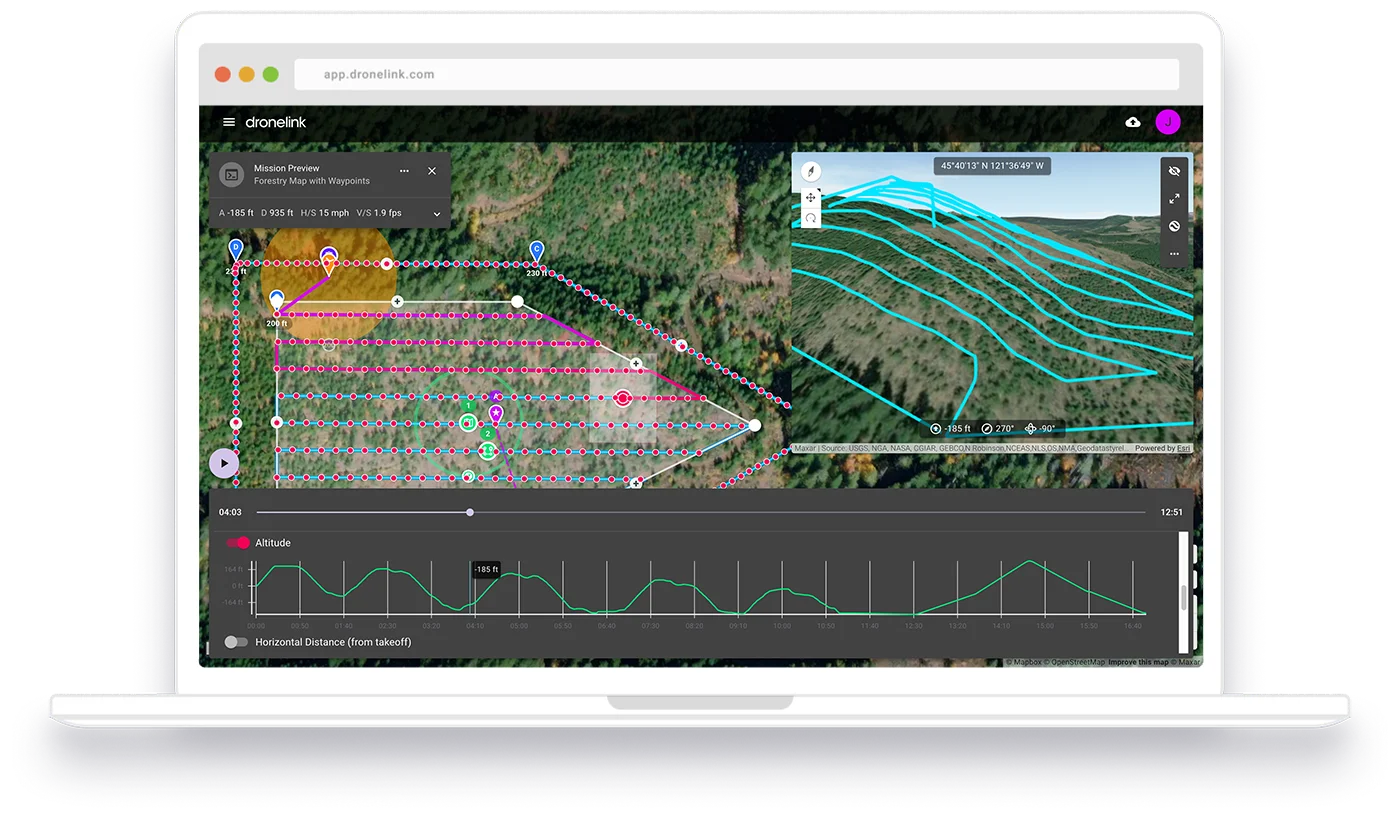
3D Mission Previews and Estimates
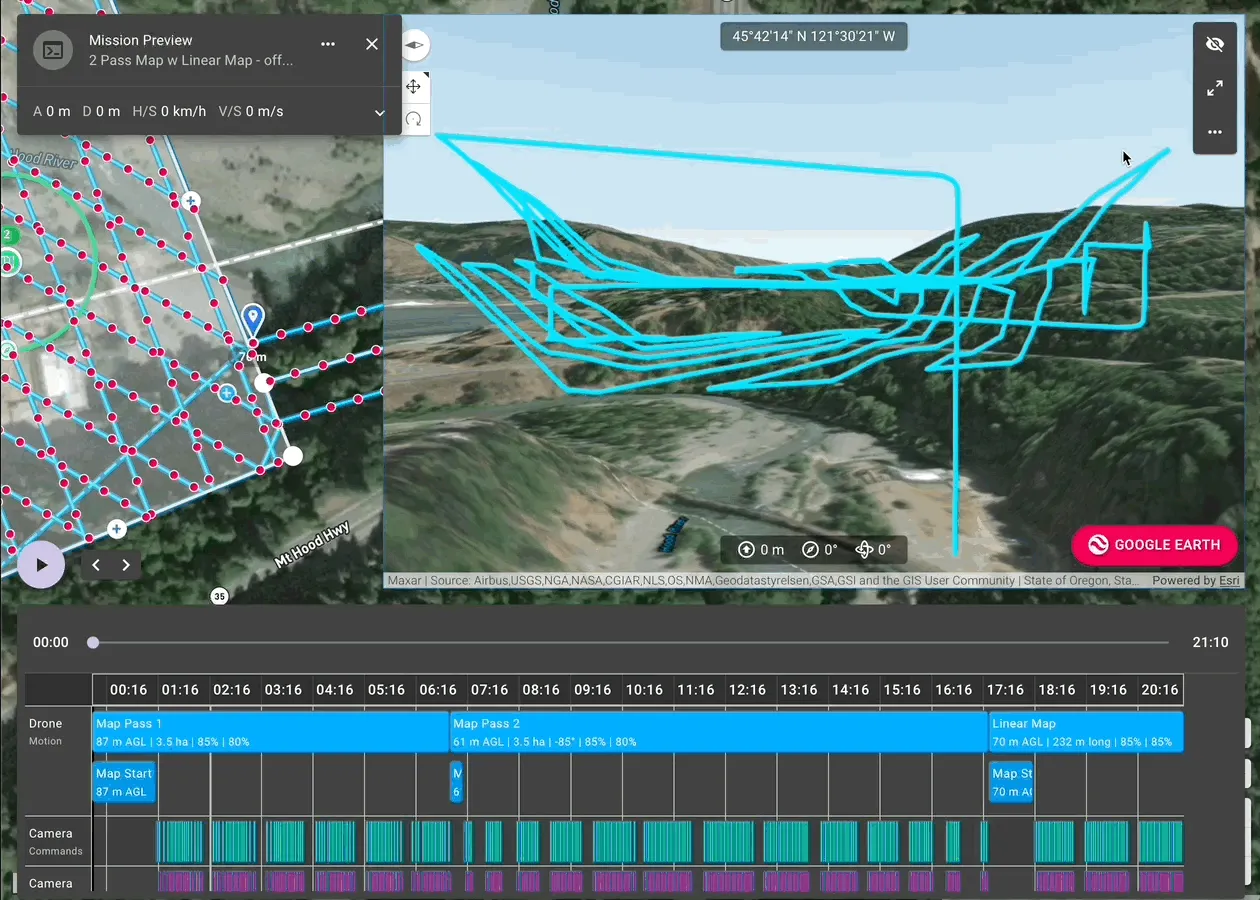
Preview the flight path in 3D, generate mission estimates to approximate data capture and flight time, and fly a virtual drone mission to know what to expect before flight.
Multiple Levels of Automation
Choose Between 3 Drone Flight Control Workflows
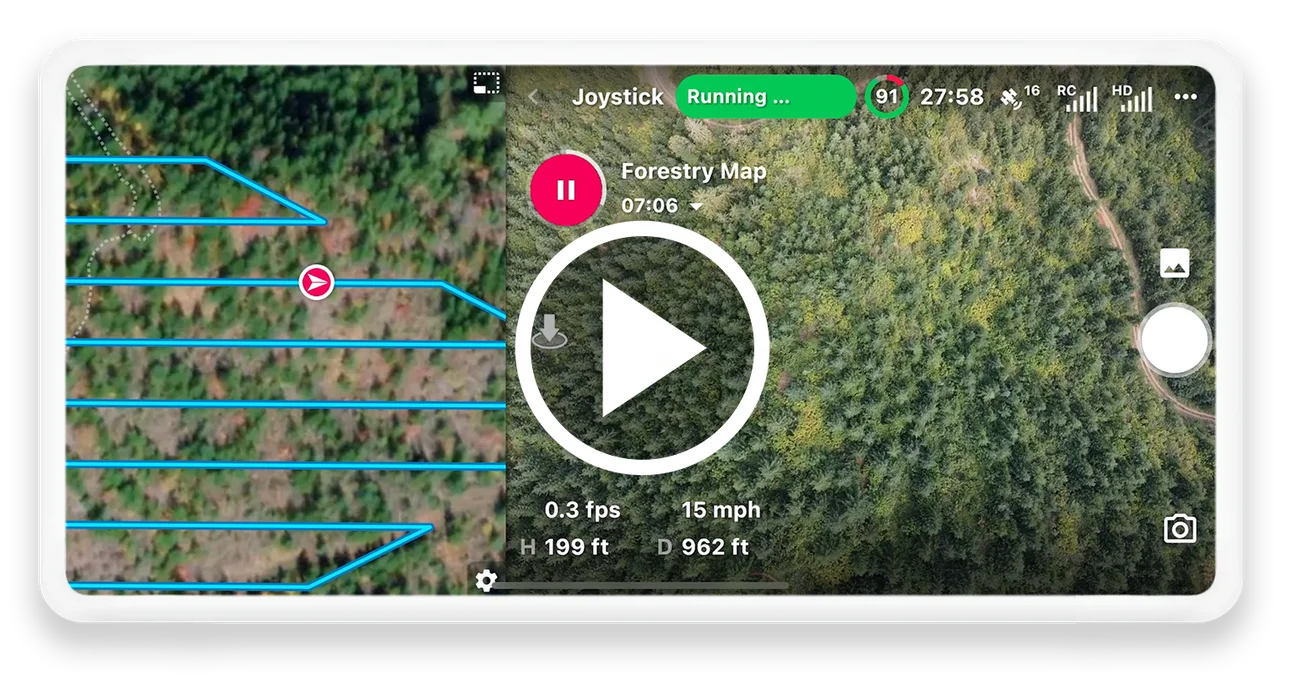
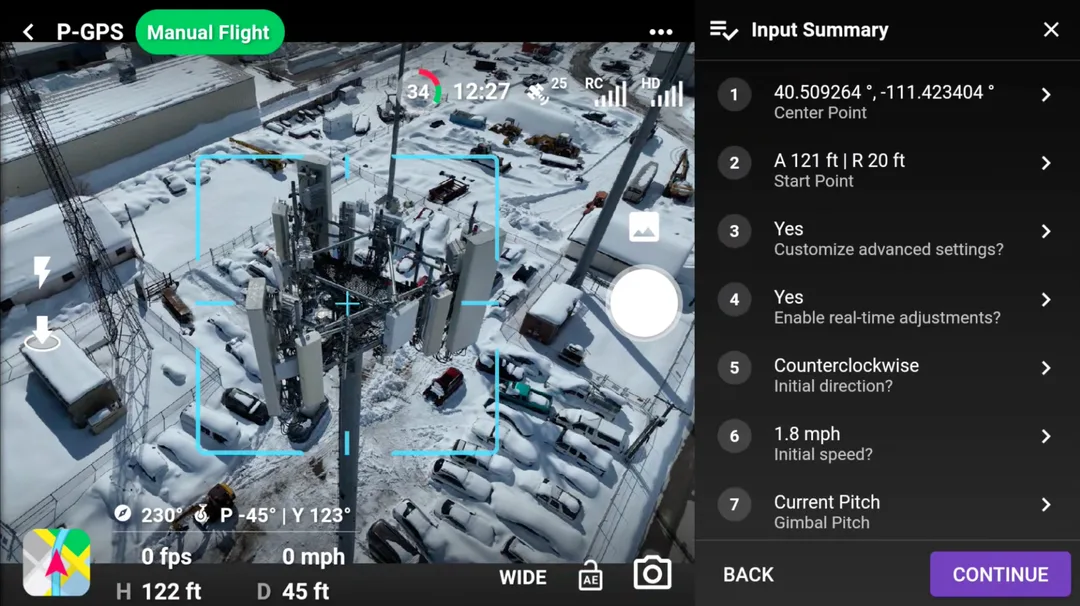
Choose to either (1) Pre-plan missions on the web or in the app, (2) Generate missions on-the-fly out in the field using the drone position, or (3) Run hybrid manual/auto flight modes.
Tools for Professionals
Enhanced Drone Precision and Accuracy
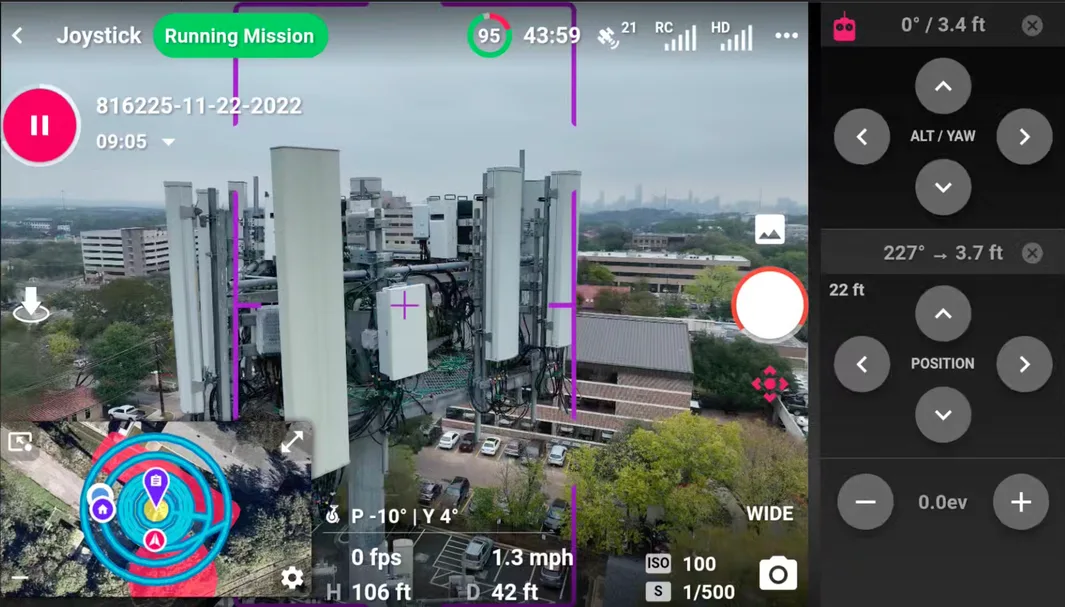
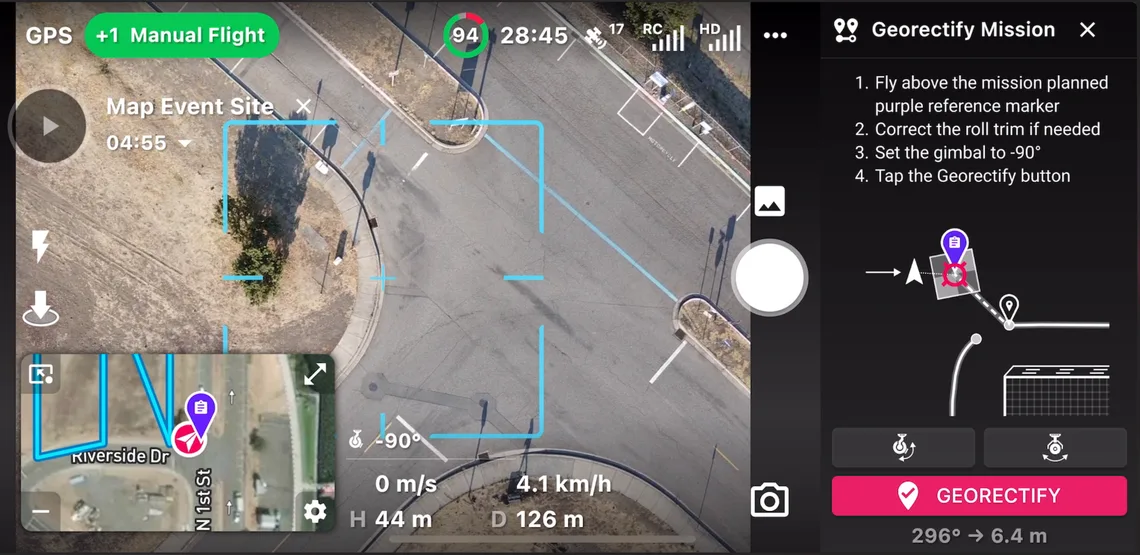
Upgrade your drone with Dronelink for better data capture. Align and georectify missions, and adjust the drone position and image framing real-time while flying.
Operations Management
Mission Plan and Flight Management
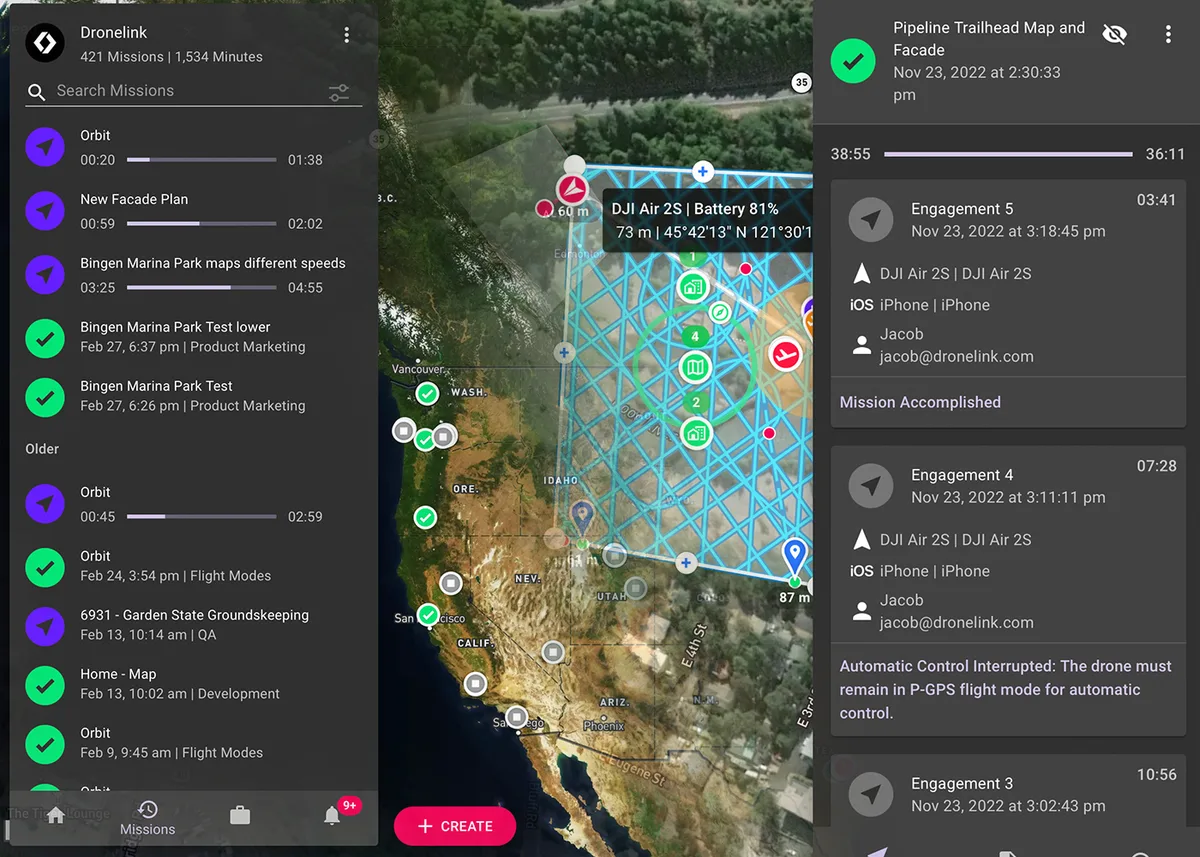
Create and manage mission plans or track progress for one or more pilots. Enable flight logging integrations with multiple providers.
Sign Up Today
14-day money back guarantee. Select the right plan for you or your organization.