


Tasks

Scale drone operations by sending missions to external pilots.

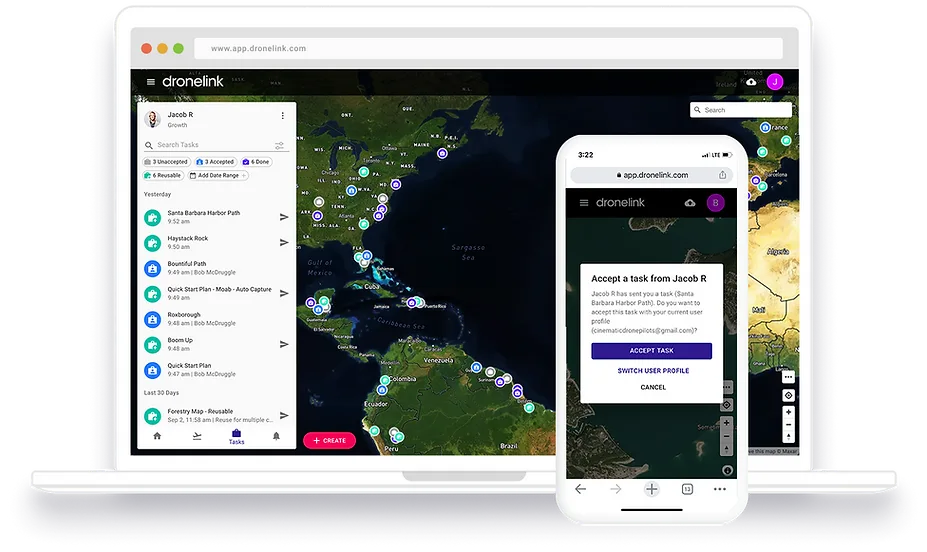
The Dronelink task dashboard open on a laptop beside a phone showing the same task list in the field.

Easy Sharing

Task any mission or function in just a few clicks and invite external pilots by sharing a Task link.
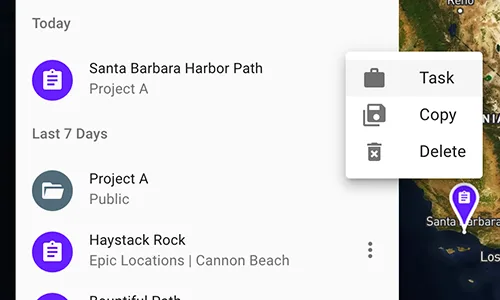

The Dronelink plan list with a row's overflow menu open, offering Task, Copy and Delete — the two-click route to turning a saved mission into a shareable task.

Plans or Functions

Tasks support mission plans and functions, that generate missions anywhere using in-field drone inputs.
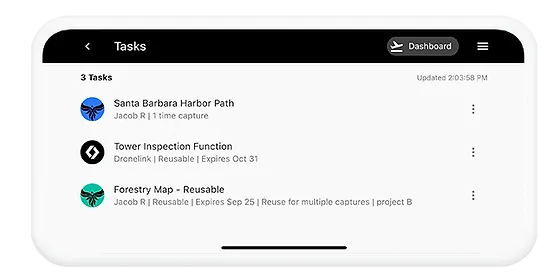

The Tasks list on a phone showing three assigned jobs — a harbour path plan, a reusable tower inspection function, and a reusable forestry map — each with its owner and expiry.

Unlimited Users

Invite unlimited pilots to fly your missions anywhere without the logistics overhead. Usage is reported back to your account.
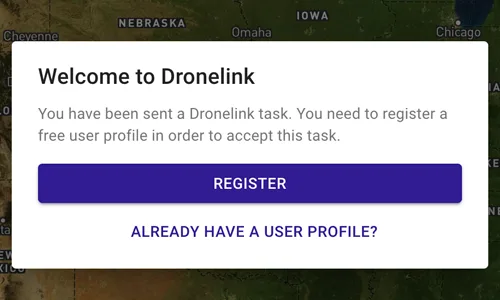

A 'Welcome to Dronelink' dialog over a map, telling an invited pilot they have been sent a task and offering a free user profile registration.

Manage Logistics

Manage and keep track of Tasks with a filterable list and map dashboard, and enable email notifications.
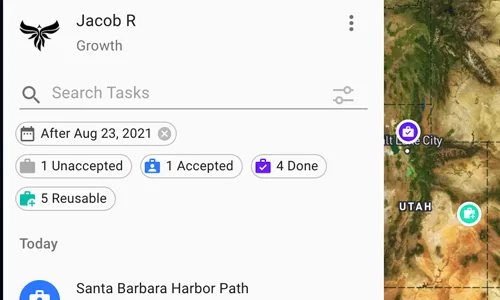

The task dashboard with a search box and status filters — unaccepted, accepted, done and reusable counts — beside a map of task pins across the western United States.

Restrict Access

Limit Task usage by email, date, or total use cap. Task users have run-only access to shared missions.
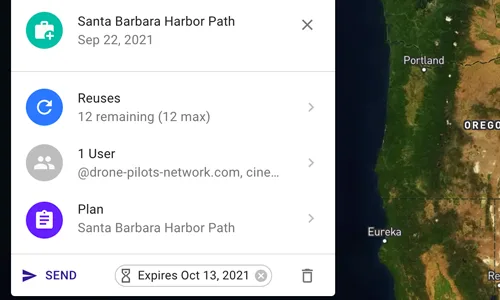
A task's settings panel showing its access limits: twelve reuses remaining of twelve, a single permitted user domain, the linked plan, and an expiry date.

Learn How to Use Tasks