Scanlink for Telecom
Streamline cell tower data capture for creating high quality digital twins.
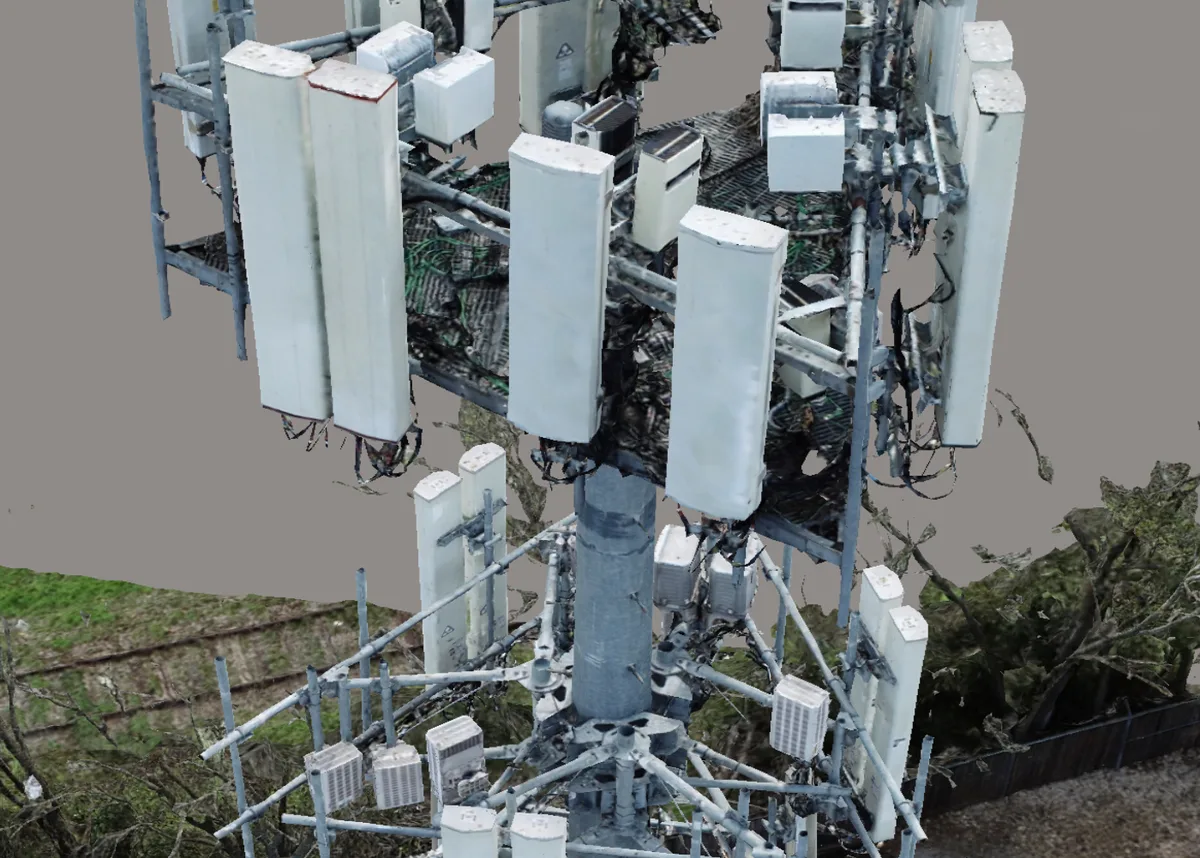
Tower Data Capture for 3D Modeling
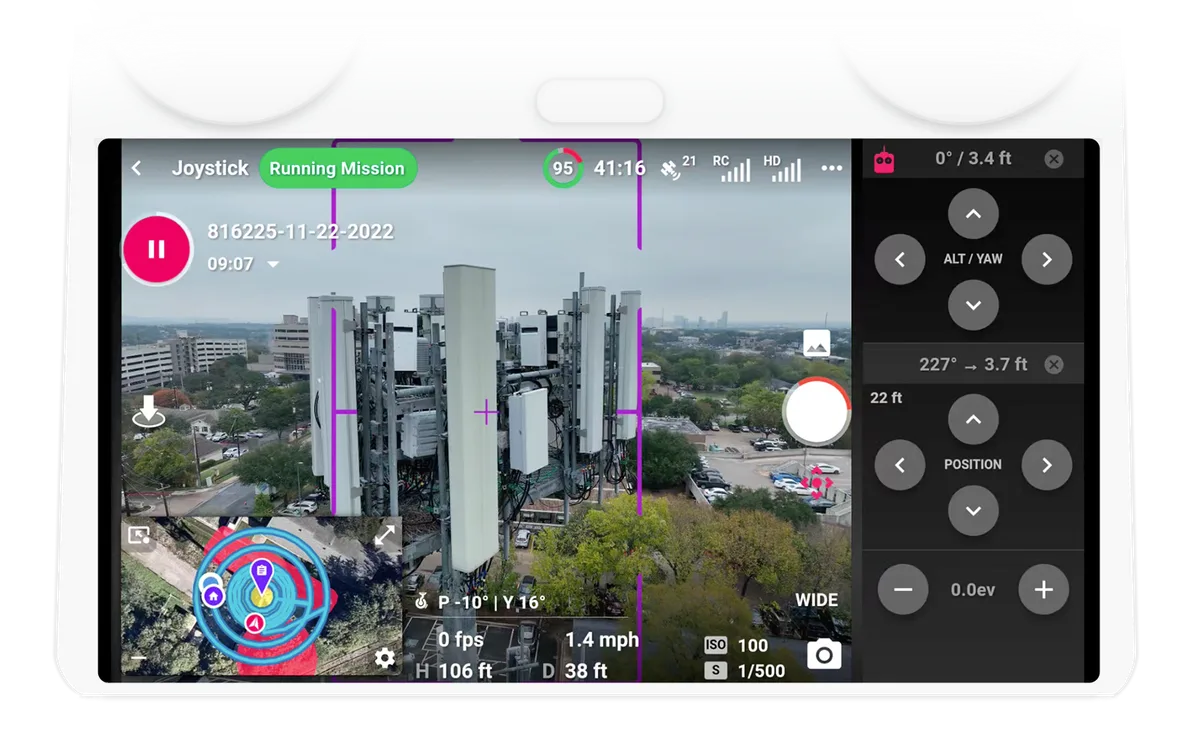
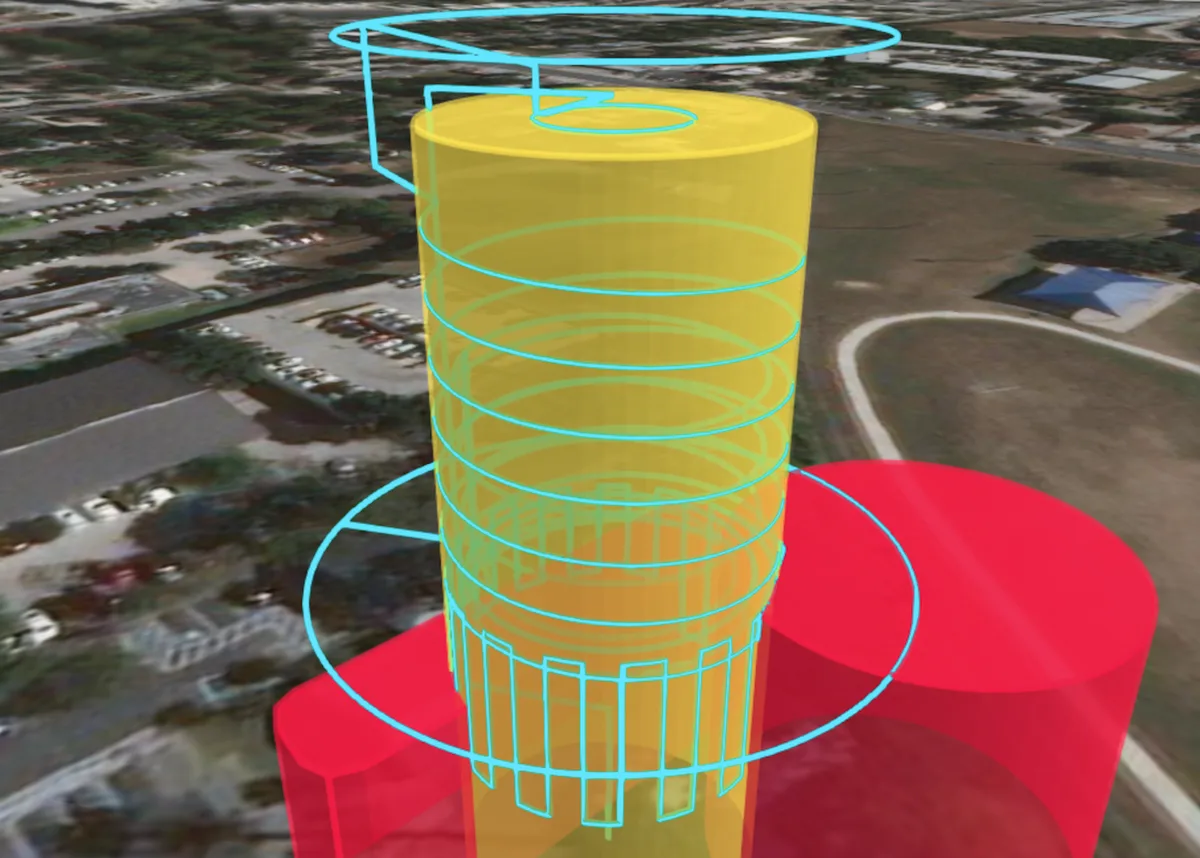
Fly automated cell tower missions optimized to capture all the data required for 3D modeling. Support for orbits, columns, and spirals around monopoles, lattice self-supports and guyed towers.
Produce Consistent Results and Reduce Time On-Site
Use automation to ensure the correct data is captured the same way every time, ensuring that you can produce high quality data processing results. Minimize the need to re-fly sites that were not correctly captured.
How Does Scanlink Work?
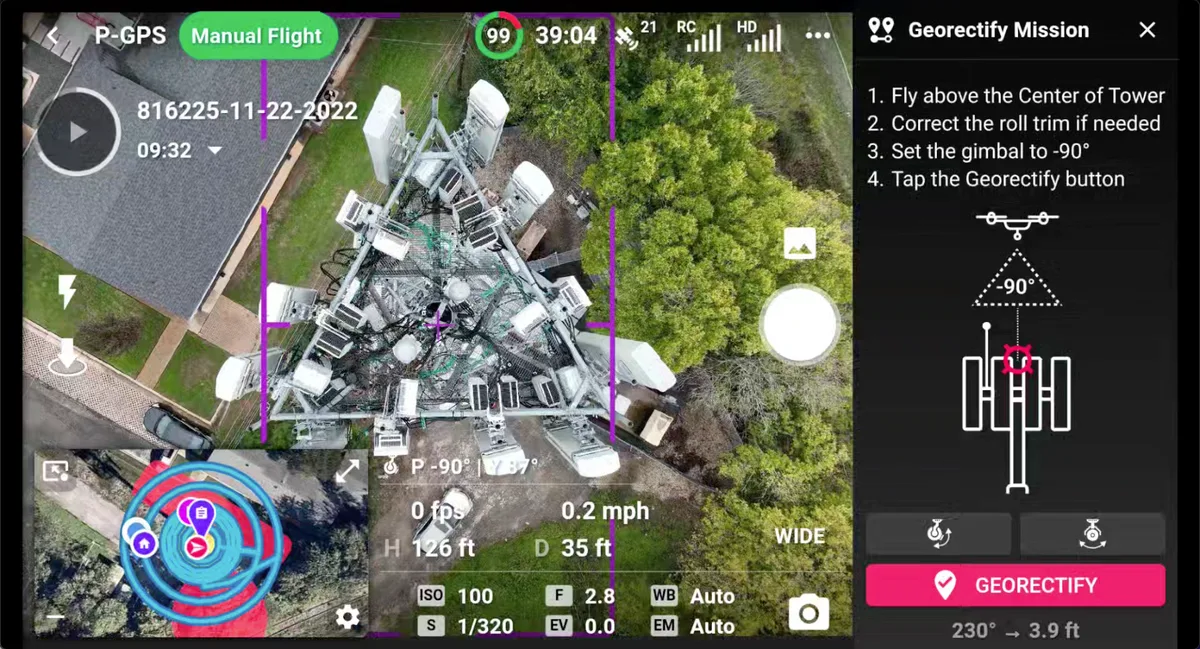
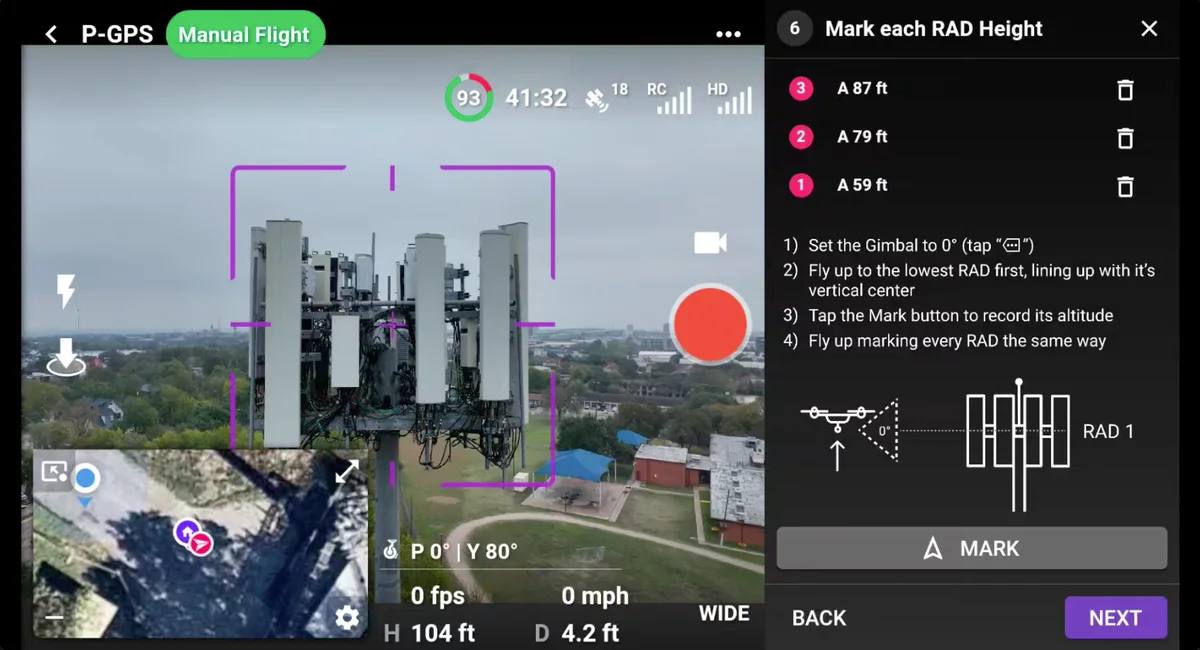
Pilots follow simple step-by-step instructions to setup each tower site using the drone. Then Dronelink generates the mission based on your unique capture requirements and then pilots run the mission.
Recommended Drones and Devices
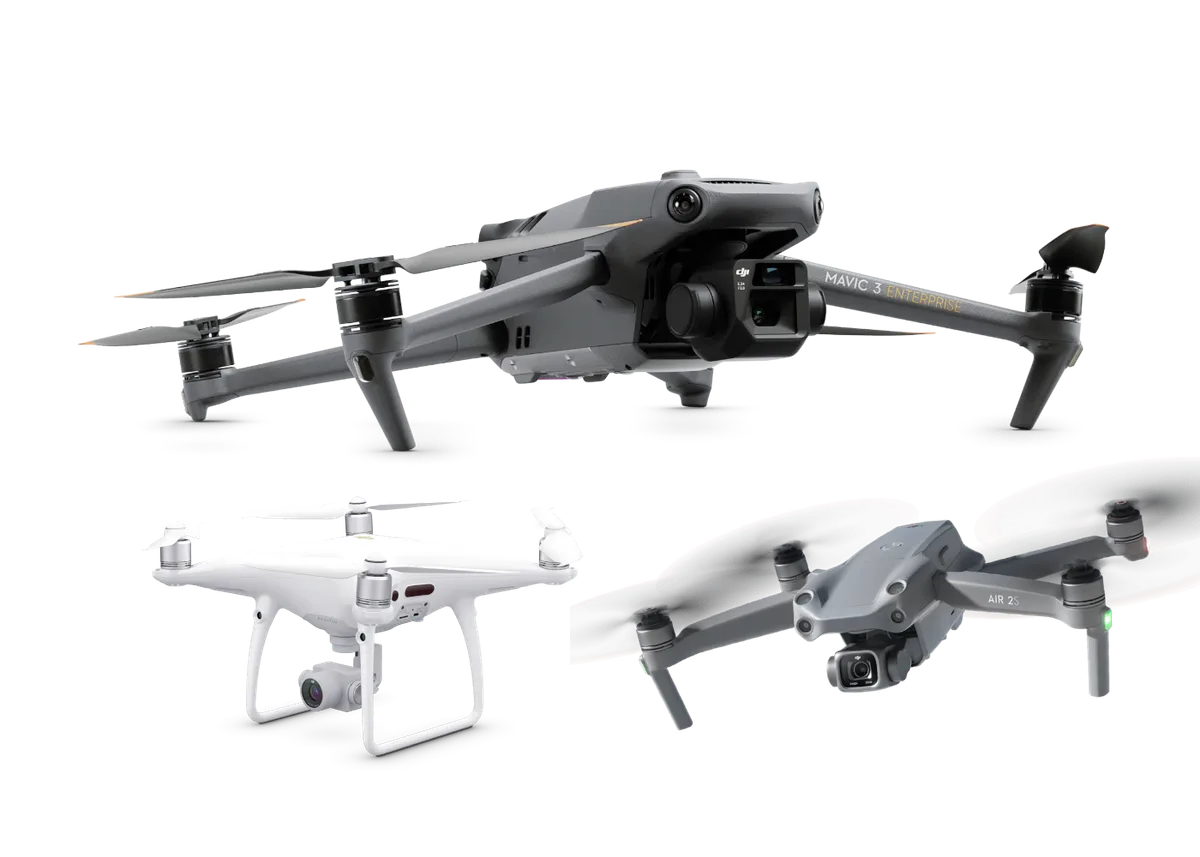
The DJI Mavic 3 Enterprise is the ideal drone, with a fast mechanical shutter, allowing for faster flight times without compromising quality. Other drones are supported but will produce lower quality results and require more time on-site.
Custom Capture Specifications
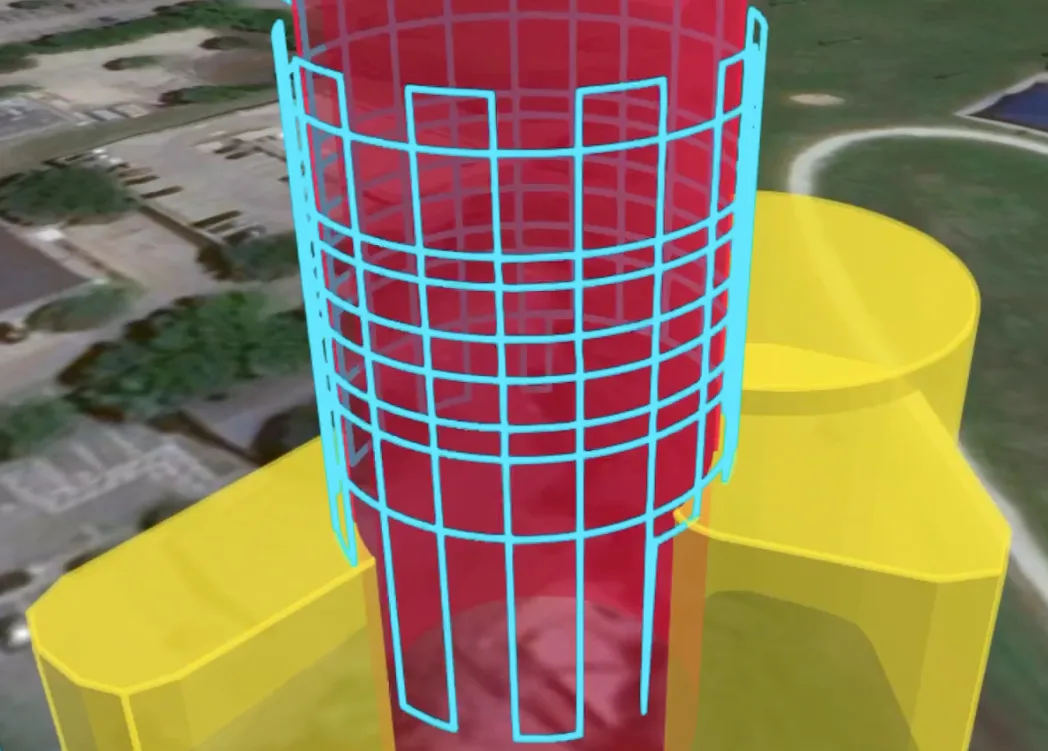
Create one or multiple capture specifications for varying requirements. Choose between orbits, columns, and spirals, set image overlaps, fly one or multiple camera angles, configure sample distance, or add a orthomosaic or 360 pano.
Real-Time Adjustments, Obstacles, and Resuming
Powerful features from years of experience flying towers. Add obstacles to better image the compound, adjust the EV, yaw, altitude, and drone position during flight, recenter the tower after battery swaps, and intelligent resuming around obstacles.